


APPplay_CARplay & Android Auto set Maserati Ghibli & Quotroporte (RGB)
CP-MAS-GV1
Consumer?
Find the nearest store or webshop.
Where to buyBusiness customer?
Register for exclusive access to our full assortment and pricing.
Register



| C-Max | 2013-2016 |
| Edge | 2013-2016 |
| Escape | 2013-2016 |
| Expedition | 2015-2016 |
| Explorer | 2014-2016* |
| F150 | 2013-2016* |
| Fiesta | 2014-2016 |
| Flex | 2014-2016 |
| Focus | 2014-2017* |
| Fusion | 2013-2016 |
| Galaxy | 2013-2016 |
| Kuga | 2015-2016* |
| Mondeo | 2013-2016* |
| Mustang | 2015-2016* |
| S-Max | 2013-2016 |
| Super Duty | 2015-2016 |
| Taurus | 2014-2016 |
| Transit Connect | 2014-2016 |
|
The interface inserts ONLY video signals into the infotainment. It is essential to have an Aux-in, when using audio from the APPplay box |
|
|
VIDEO OUTPUT |
Video goes via LVDS |
|
CONTROL |
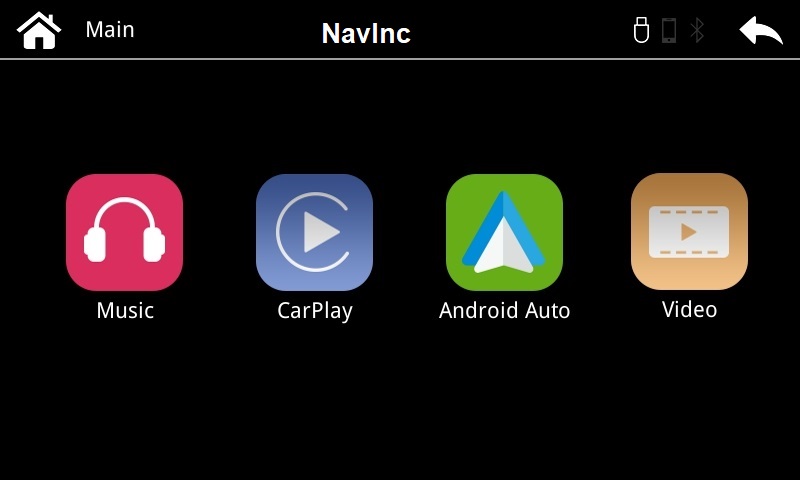
You can control APPplay via the original touch screen |
|
SCREEN |
Interface is compatible with SONY SYNC2 |
|
OPEN HU |
Need to open the monitor |
|
FRONT CAMERA |
The front camera input will automatically switch after leaving the reverse gear. You can set the display time in seconds via the OSD menu (1-15 sec). It is also possible to select the FRONT camera input manually |
|
OEM REAR CAMERA |
The interface does not switch back automatically to the OEM rear camera input when the reverse gear is engaged (with auto gear box). |
|
GUIDELINES |
Static parking lines are available via the interface OSD menu |
|
iPAS |
iPAS option is not available. |
|
PIP |
PiP option is not available for original parking sensor overlay (Picture in Picture) |
|
REAR SELECT CAMERA INPUT |
Use the rear detection wire to switch to the rear camera input. |
|
INSTALLATION |
We recommend that the installation will be performed by a qualified specialist |
|
EXTRA NOTE |
If original touch gives issues, APPplay touch screen control wont work. Please use the included controller to controle the APPplay |
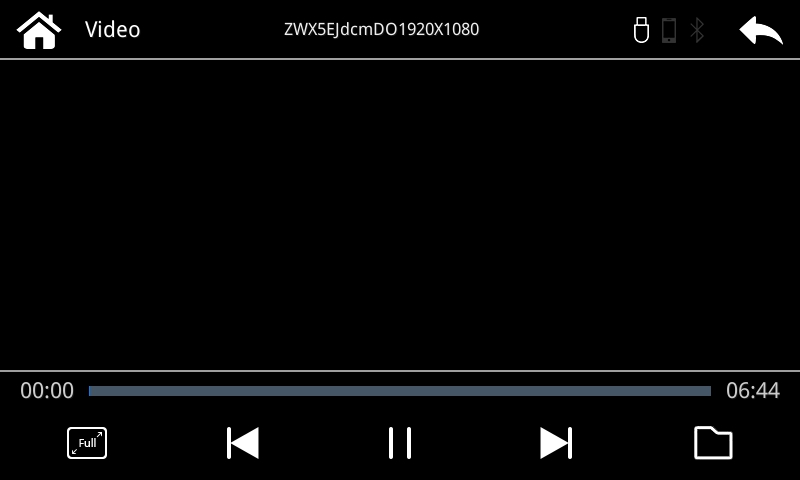
Media player support the following files:
|
MUSIC |
MP3 |
|
VIDEO |
MP4 |
Media player support the following files:
|
MUSIC |
MP3 |
|
VIDEO |
MP4 |
- APPplay interface (LVDS): 1x
- Power cable: 1x
- AUX cable jack by RCA: 1x
- Microphone: 1x
- USB dock cable: 1x
- Installation instructions: 1x
- LVDS output cable: 1x
- Resistive touch cable: 1x
Package:
- Video interface: 1x
- Sub-board (QCPASS0531): 1x
- Sub-board bracket (PRESET0188): 1x
- FFC cable set (FFCBAL0046+FFCABL0023): 1x
- Power cable (HPOWER0100): 1x
- LVDS cable (HLVDSC0020): 1x
- AV cable (HAVCAB0066): 1x
- REAR cable (HARETC002): 1x
- Remote (REMOTE0001): 1x
- Infrared cable (HIRCAB0002): 1x
- Installation instructions: 1x
Related Products



European Leader in automotive solutions
Customer Service
My Account
Newsletter
Subscribe for newsletter. Always informed first.