


CARplay & Android Auto set BMW/MINI iDrive NBT ID4 & ID5 (LVDS)
CP-BMW-NBT
Consumer?
Find the nearest store or webshop.
Where to buyBusiness customer?
Register for exclusive access to our full assortment and pricing.
Register


| 1-serie (F20/F21) | 2011-2017 | iDrive NBT (6.5", 7.0", 8.8" & 10.25") |
| 2-serie (F22/F45) | 2014-2016 | iDrive NBT (6.5", 7.0", 8.8" & 10.25") |
| 3-serie (F30/F31/F32/F33) | 2011-2017 | iDrive NBT (6.5", 7.0", 8.8" & 10.25") |
| 3-serie GT | 2014-2017 | iDrive NBT (6.5", 7.0", 8.8" & 10.25") |
| 4-serie | 2014-2017 | iDrive NBT (6.5", 7.0", 8.8" & 10.25") |
| 5-serie (F10/F11) | 2012-2017 | iDrive NBT (6.5", 7.0", 8.8" & 10.25") |
| 5-serie GT (F07) | 2012-2017 | iDrive NBT (6.5", 7.0", 8.8" & 10.25") |
| 6-serie (F12/F13) | 2012-2017 | iDrive NBT (6.5", 7.0", 8.8" & 10.25") |
| 6-serie GC | 2012-2017 | iDrive NBT (6.5", 7.0", 8.8" & 10.25") |
| 7-serie (F01/F02) | 2012-2016 | iDrive NBT (6.5", 7.0", 8.8" & 10.25") |
| X3-serie (F25) | 2012-2017 | iDrive NBT (6.5", 7.0", 8.8" & 10.25") |
| X4-serie (F26) | 2014-2017 | iDrive NBT (6.5", 7.0", 8.8" & 10.25") |
| X5-serie (F15) | 2014-2017 | iDrive NBT (6.5", 7.0", 8.8" & 10.25") |
| X6-serie (F16) | 2014-2017 | iDrive NBT (6.5", 7.0", 8.8" & 10.25") |
| i3-serie | 2014-2017 | iDrive NBT (6.5", 7.0", 8.8" & 10.25") |
| i8-serie | 2014-2017 | iDrive NBT (6.5", 7.0", 8.8" & 10.25") |
| Cabrio (R57) | 2016-20.. | iDrive NBT Professional & Business |
| Clubman (R55) | 2015-20.. | iDrive NBT Professional & Business |
| Cooper (F54/F55/F56) | 2014-2017 | iDrive NBT Professional & Business |
| Countryman (R60) | 2014-2017 | iDrive NBT Professional & Business |
| One (F56) | 2014-20.. | iDrive NBT Professional & Business |
| Paceman | 2014-2017 | iDrive NBT Professional & Business |
|
AUDIO OUTPUT |
The interface inserts ONLY video signals into the infotainment. It is essential to have an Aux-in, when using audio from the CARplay box |
|
VIDEO OUTPUT |
Video goes via LVDS |
|
CONTROL |
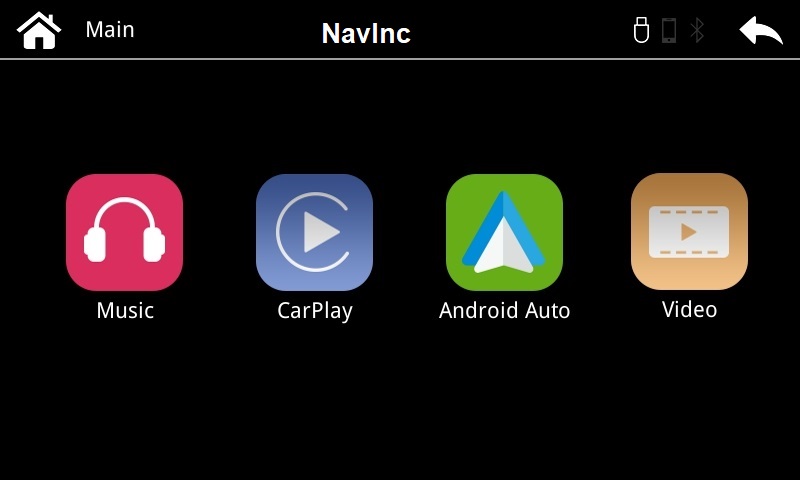
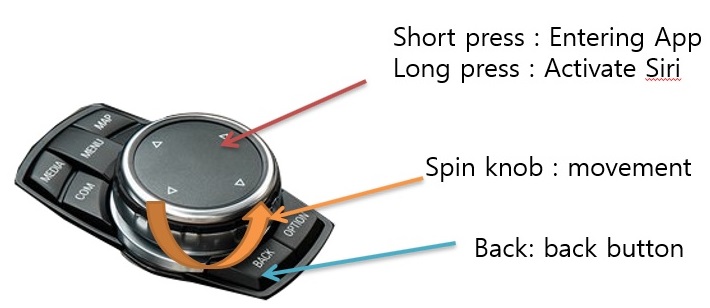
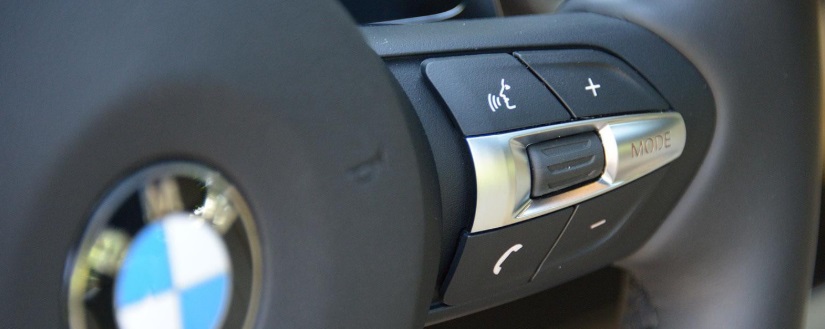
You can control CARplay & Android AUTO via iDrive controller |
|
SCREEN |
Compatible with 6.5”, 8.8” & 10.2” |
|
OPEN HU |
Do not need to open the monitor |
|
FRONT CAMERA |
The front camera input will automatically switch after leaving the reverse gear. You can set the display time in seconds via the OSD menu (1-15 sec). It is also possible to select the FRONT camera input manually |
|
OEM REAR CAMERA |
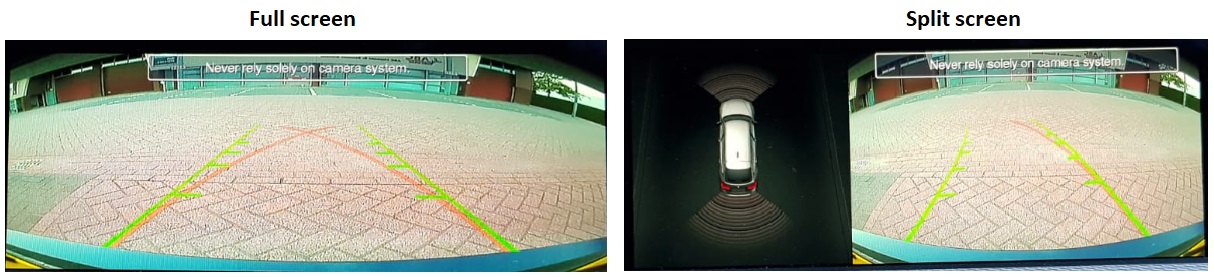
The interface does switch back automatically to the OEM rear camera input when the reverse gear is engaged. |
|
GUIDELINES |
Static lines are available via the interface OSD menu |
|
iPAS |
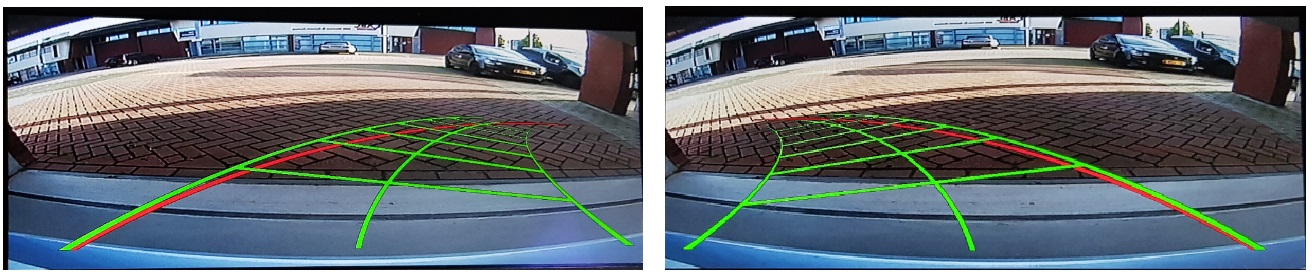
iPAS option is available (moveable grid lines) |
|
PIP |
PiP option (split screen) is available (Picture in Picture) |
|
REAR SELECT CAMERA INPUT |
Interface will respond on CAN for cars with auto gearbox. When manual gear box please use the rear detection wire. |
|
INSTALLATION |
We recommend that the installation will be performed by a qualified specialist |
Media player support the following files:
|
MUSIC |
MP3 |
|
VIDEO |
MP4 |
Media player support the following files:
|
MUSIC |
MP3 |
|
VIDEO |
MP4 |
-
CARplay interface 1x
-
Power cable: 1x
-
AUX cable jack by RCA: 1x
-
Microphone: 1x
-
USB dock cable: 1x
-
Installation instructions: 1x
-
RGB output cable
-
Resistive touchglass cable
Package:
Related Products



European Leader in automotive solutions
Customer Service
My Account
Newsletter
Subscribe for newsletter. Always informed first.